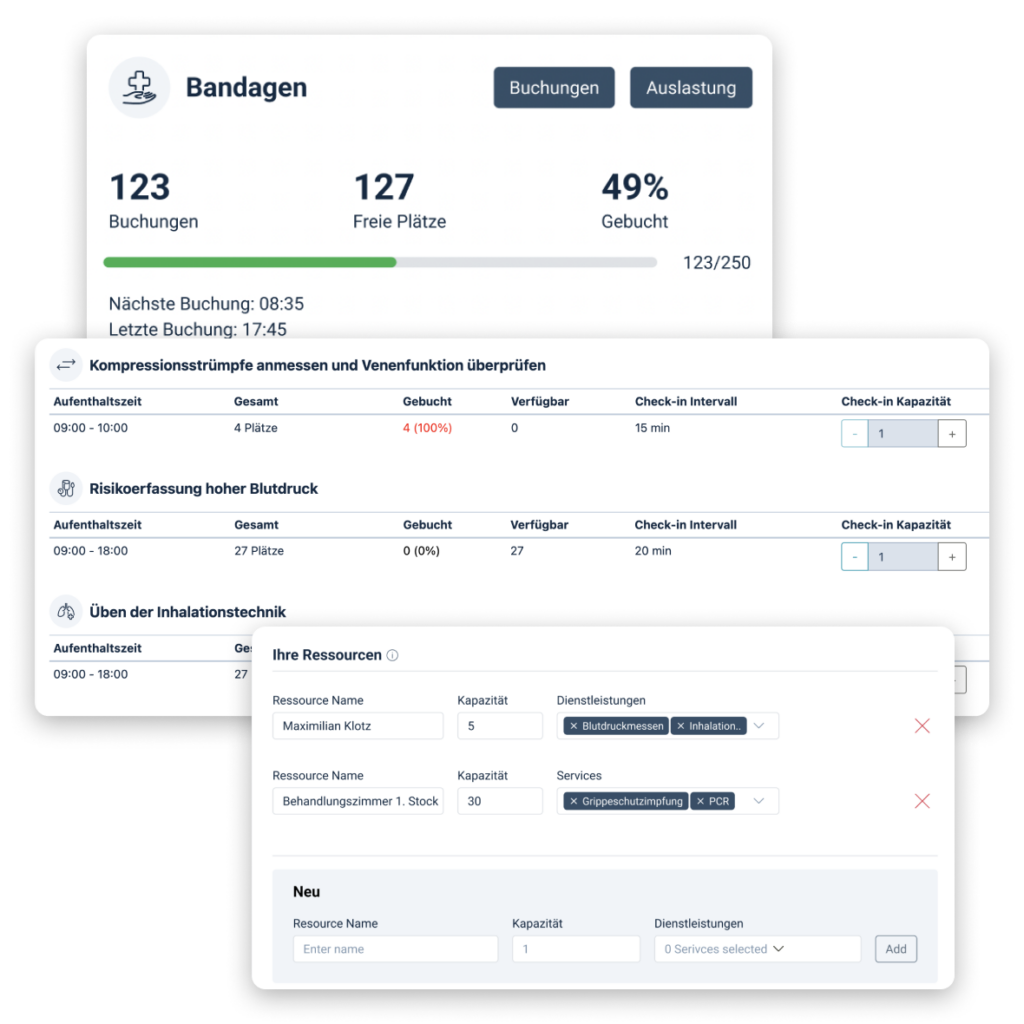
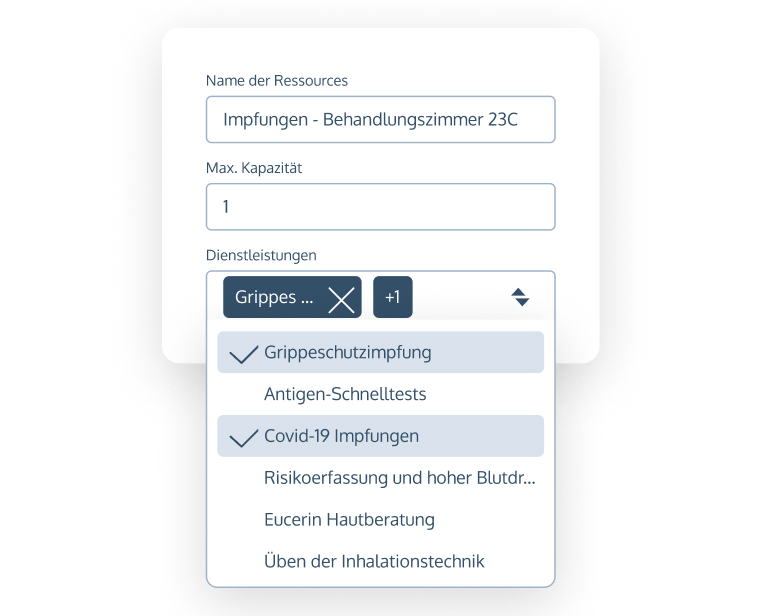
Define dependencies in the form of resources
Easily set capacity limits for different services and offer the full range, with automatic booking out when the limit is reached

Organise your location hierarchy as required
Customise location structures flexibly, with a wide range of subdivision options for services and areas, including separate capacity limits

Advanced time window settings
Use advanced configuration options, including length of stay, check-in intervals, capacity limits and payment options
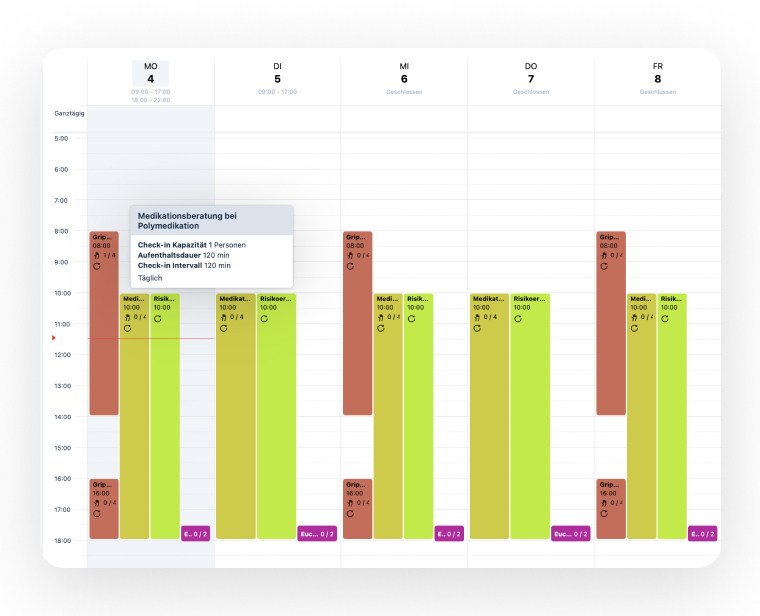
Cross-service calendar overview
Maximise your capacity utilisation by matching your services to employee shift planning
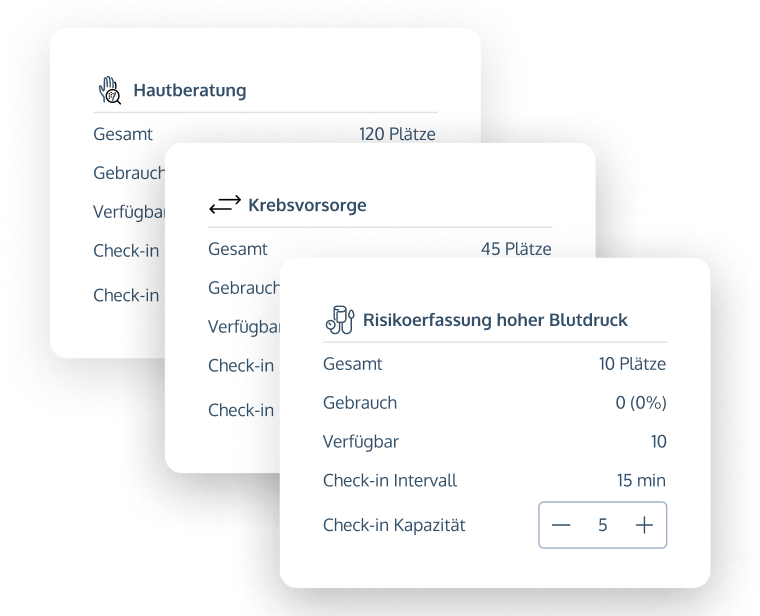
Respond to changes in demand at lightning speed
No-Q makes it possible to adjust capacities in real time with just a few clicks, ideal for mass events

Maximum flexibility thanks to overbooking option
Employees can overbook fully booked appointments at any time to ensure maximum flexibility
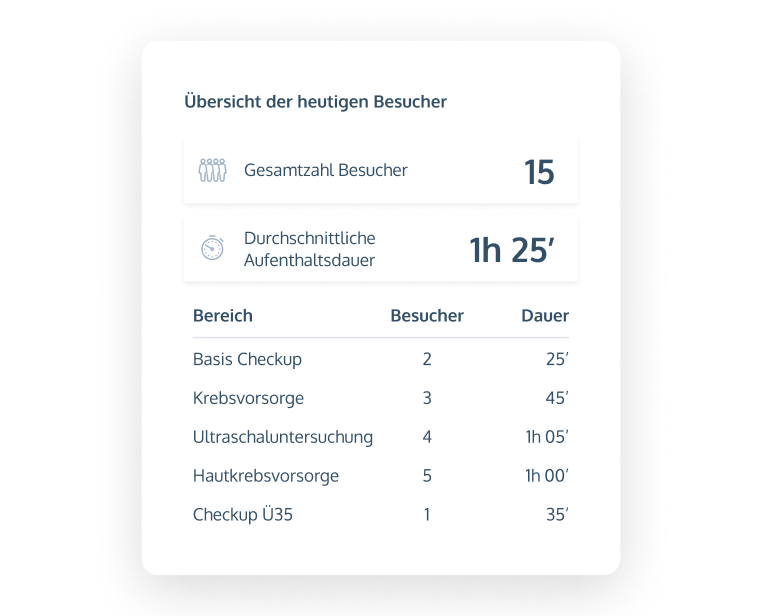
Statistics and reports
Maintain an overview with evaluations regarding customer volume and personnel capacities
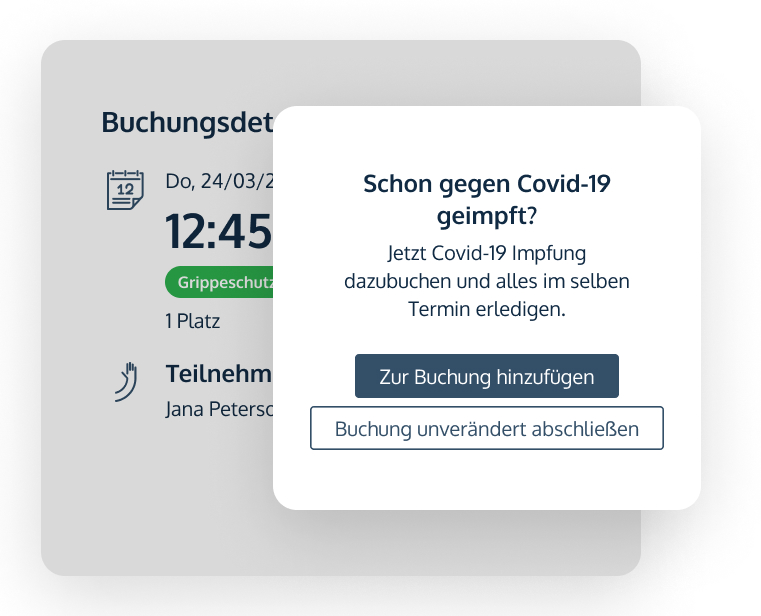
Linking service offerings
Enable participants to book a complementary service at the same time
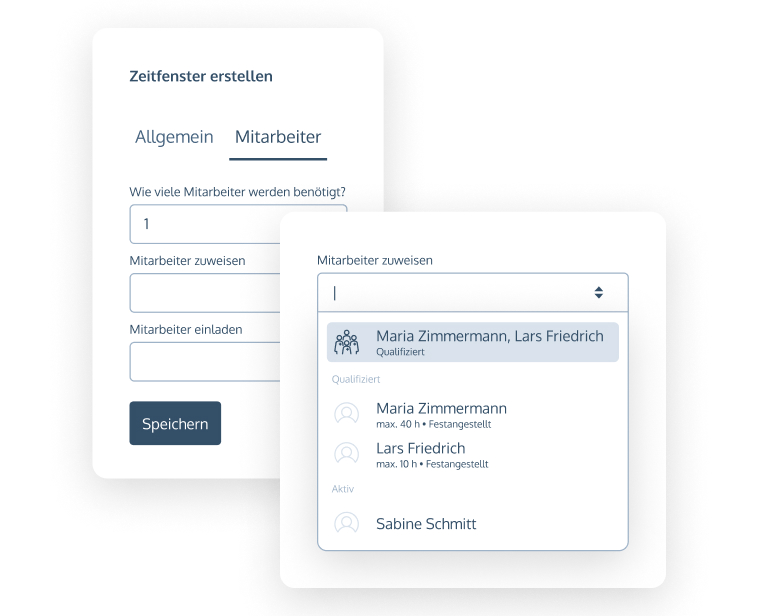
Assign individual time slots to employees
Assign bookable time slots to qualified employees and book them out automatically if the employee is absent or busy elsewhere
Define dependencies in the form of resources
Easily set capacity limits for different services and offer the full range, with automatic booking out when the limit is reached
Organise your location hierarchy as required
Customise location structures flexibly, with a wide range of subdivision options for services and areas, including separate capacity limits
Advanced time window settings
Use advanced configuration options, including length of stay, check-in intervals, capacity limits and payment options
Cross-service calendar overview
Maximise your capacity utilisation by matching your services to employee shift planning
Respond to changes in demand at lightning speed
No-Q makes it possible to adjust capacities in real time with just a few clicks, ideal for mass events
Maximum flexibility thanks to overbooking option
Employees can overbook fully booked appointments at any time to ensure maximum flexibility
Statistics and reports
Maintain an overview with evaluations regarding customer volume and personnel capacities
Linking service offerings
Enable participants to book a complementary service at the same time
Assign individual time slots to employees
Assign bookable time slots to qualified employees and book them out automatically if the employee is absent or busy elsewhere